Smart Printer App Features — Everything You Can Do from Your Phone
The Smart Printer app is packed with powerful printing and scanning features built for everyday mobile users. Whether you print a few pages a week or manage dozens of documents daily, this printer and scanner app gives you a full suite of professional tools — right in your pocket. From wireless PDF printing to AI-powered document scanning, every feature is designed to save you time and eliminate the frustration of traditional printing. Here's a complete look at everything Smart Printer can do.
Complete Printing Features
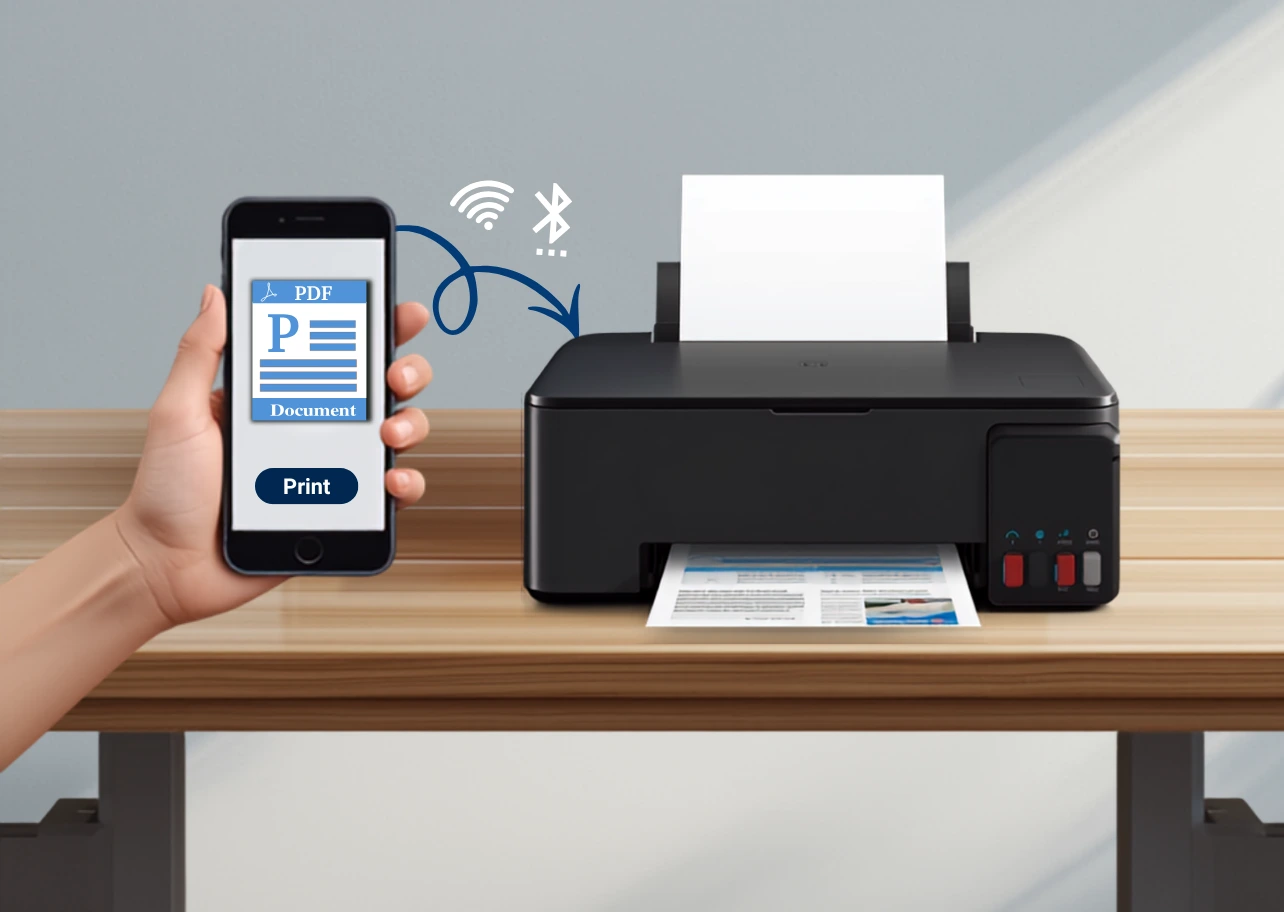
📡Wireless Printing — Print from Any Room, Any Device
Smart Printer connects to any WiFi-enabled printer automatically. No USB cables. No network configuration. No printer drivers to install. The moment you open the app, it scans your network and lists every available printer. Tap one to connect and you're ready to print from phone in seconds. This is what makes Smart Printer the best mobile printer app for users who move between home, office, and client locations.
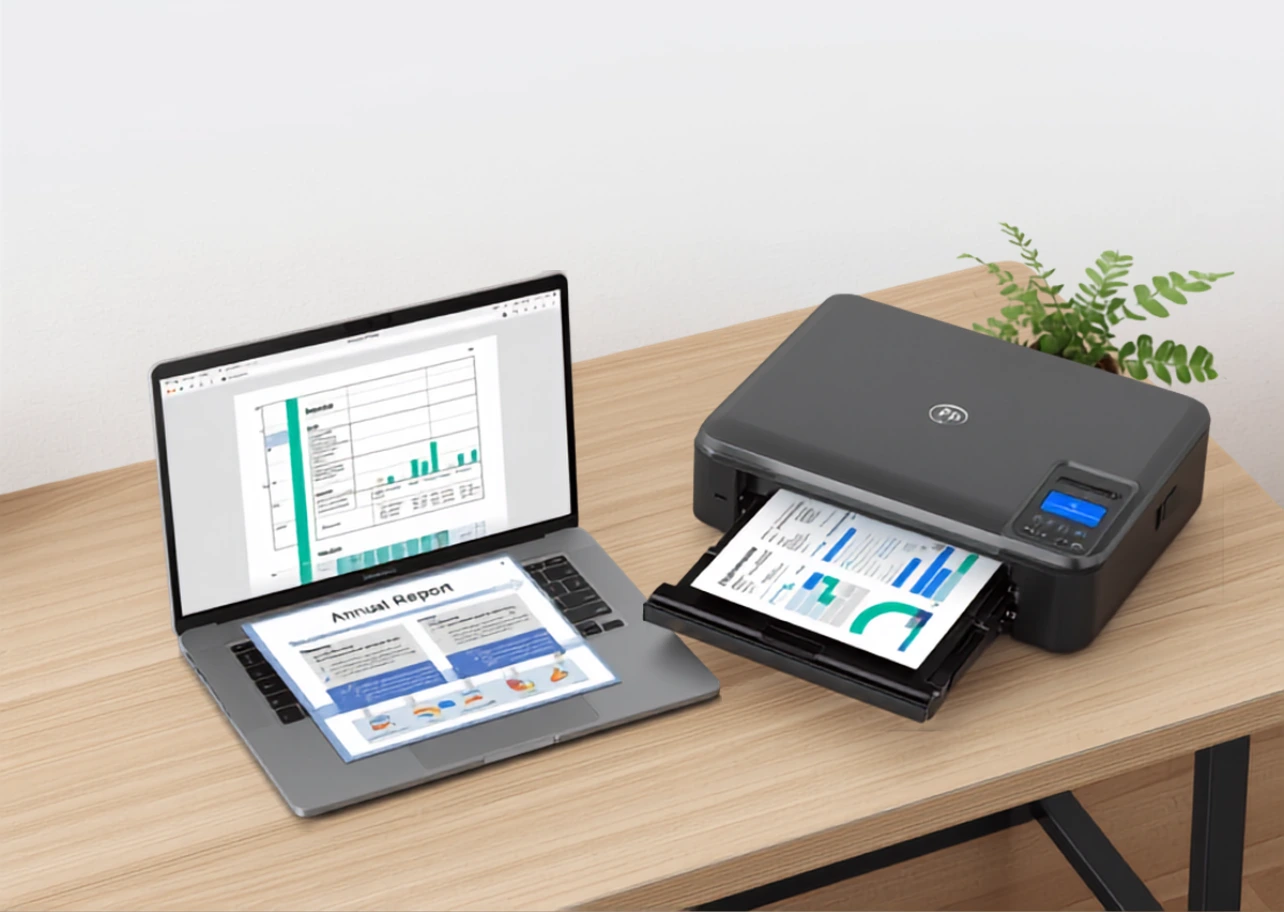
📄PDF Printing — Perfect Layout, Every Time
Smart Printer's PDF engine preserves every element of your documents — text, images, fonts, tables, signature fields, and multi-column layouts. When you print a contract, invoice, or report, it looks exactly like the original. Whether you're printing legal documents, business proposals, or study materials, this print application handles every PDF flawlessly.
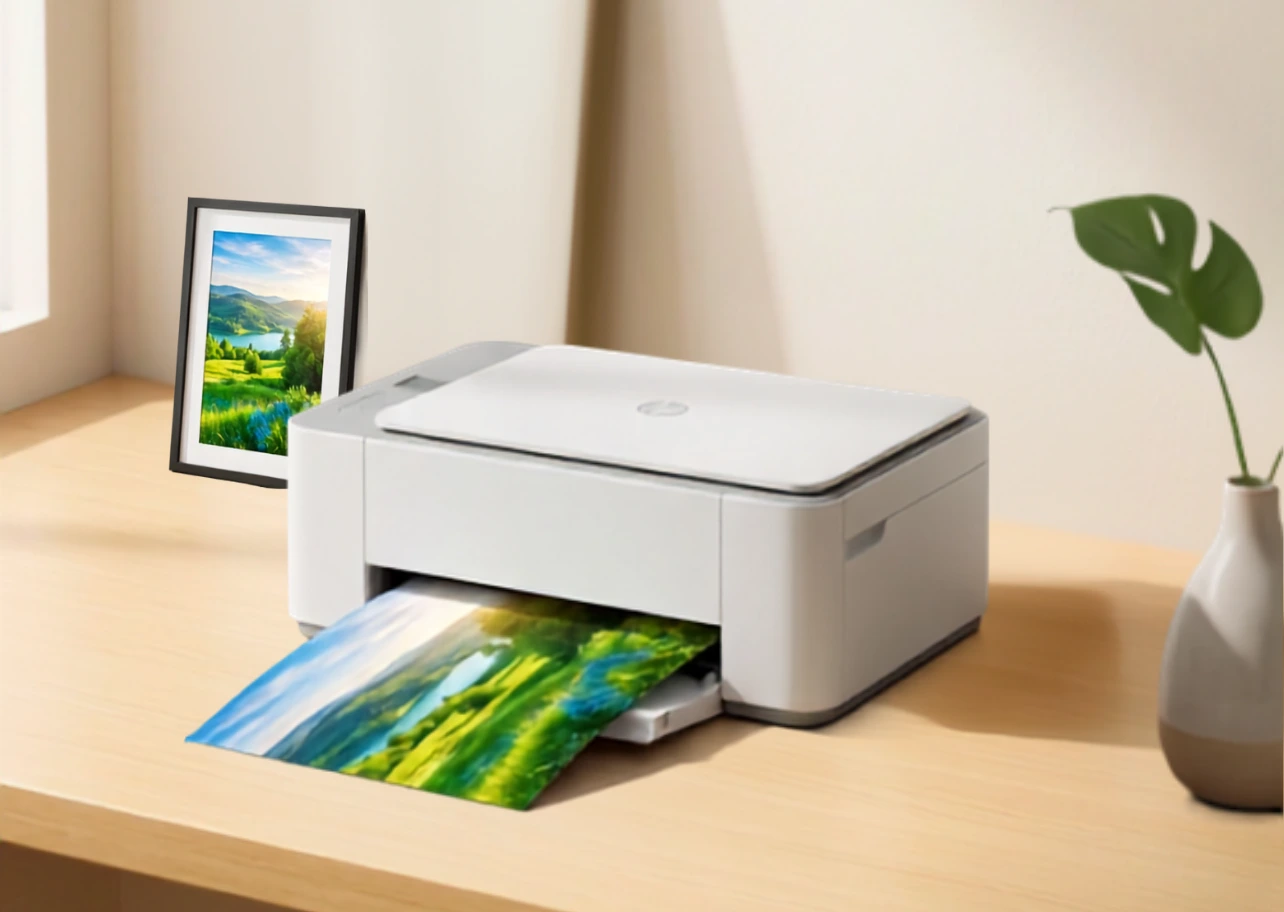
🖼️Photo Printing — Vivid, Borderless, Beautiful
Smart Printer's photo engine delivers vivid, color-accurate prints every time. It calibrates colors automatically based on your printer model and paper type, so your photos come out looking exactly as they do on screen. Perfect for printing family portraits, holiday photos, event pictures, and creative projects from your best home printer or portable printer.
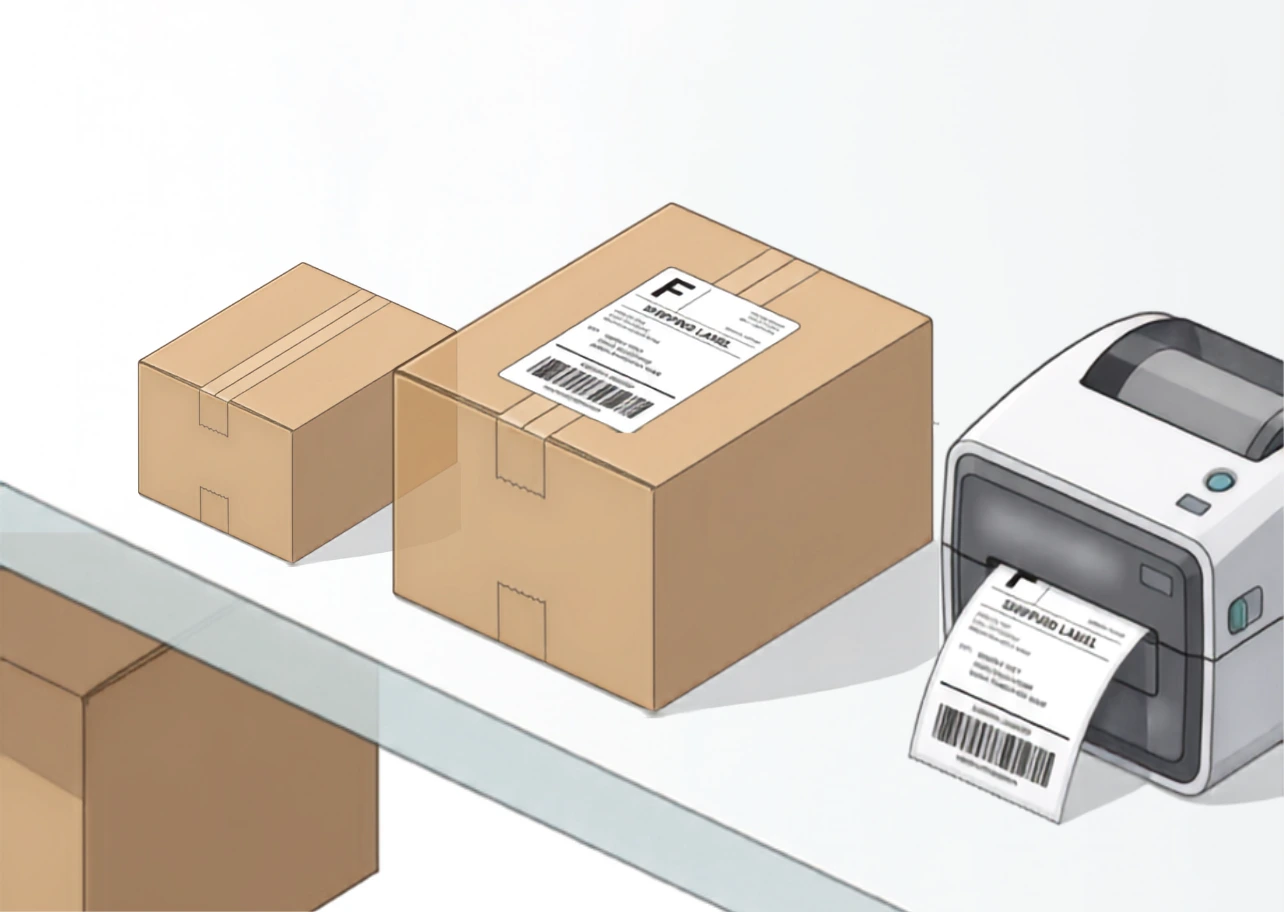
🏷️Label Printing Ship, Tag, and Organize
Smart Printer supports professional label printing for e-commerce sellers, small business owners, warehouse workers, and anyone who ships packages regularly. No more logging into a computer just to print one shipping label. Your smart printer and scanner app does it in under 30 seconds.
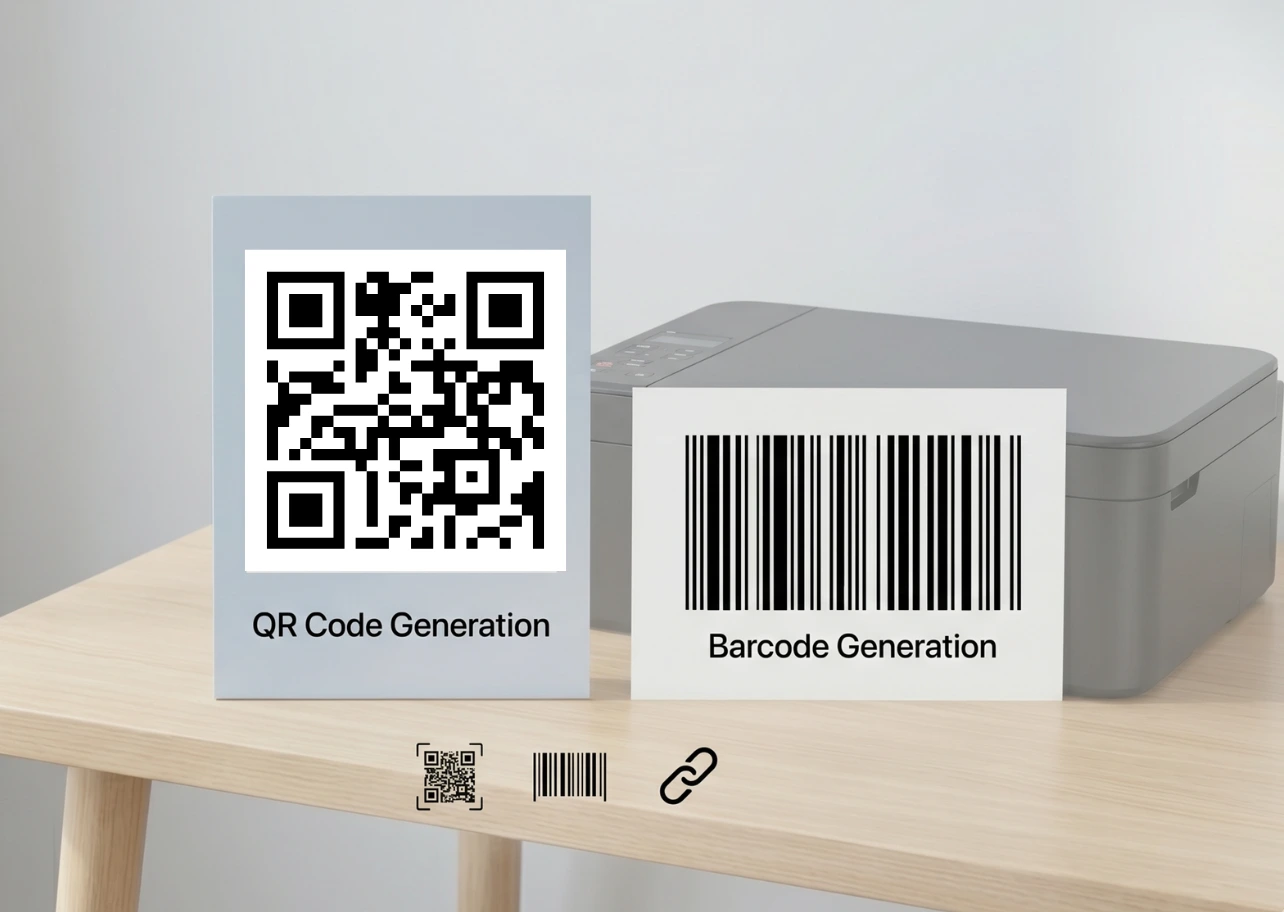
🤖QR Code & Barcode Generation
Generate and print QR codes, EAN/UPC barcodes, Code 128, and QR codes from custom text, URLs, contact cards, and product IDs. Print them individually or batch-print on label sheets. Ideal for inventory management, product packaging, event check-in, and digital menu creation.
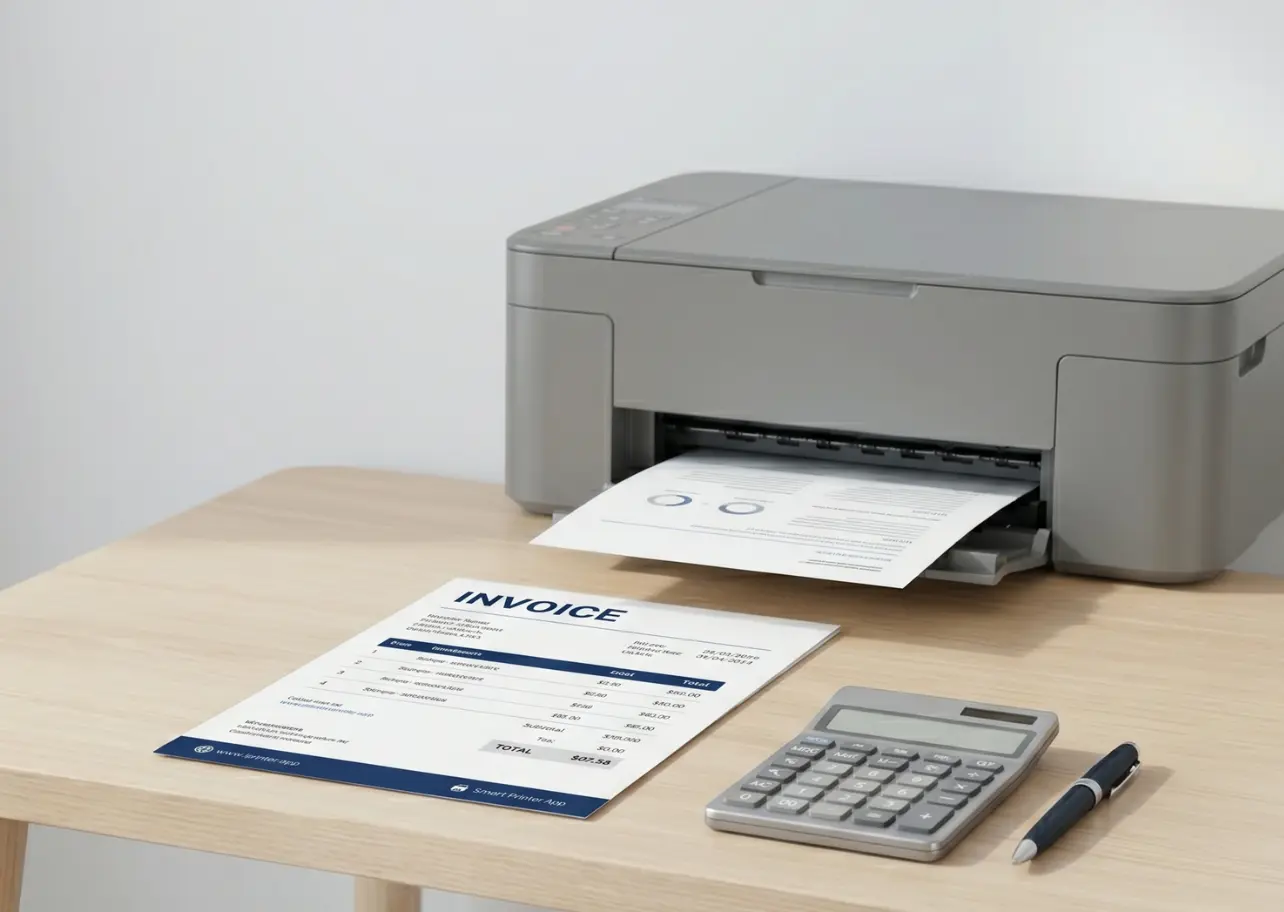
🧾Invoice & Business Document Printing
Smart Printer is built for professionals. Print invoices, quotes, receipts, delivery notes, and contracts directly from your phone — formatted correctly on the first try. Compatible with PDF invoices from QuickBooks, FreshBooks, Wave, PayPal, and any other invoicing tool that exports PDF.
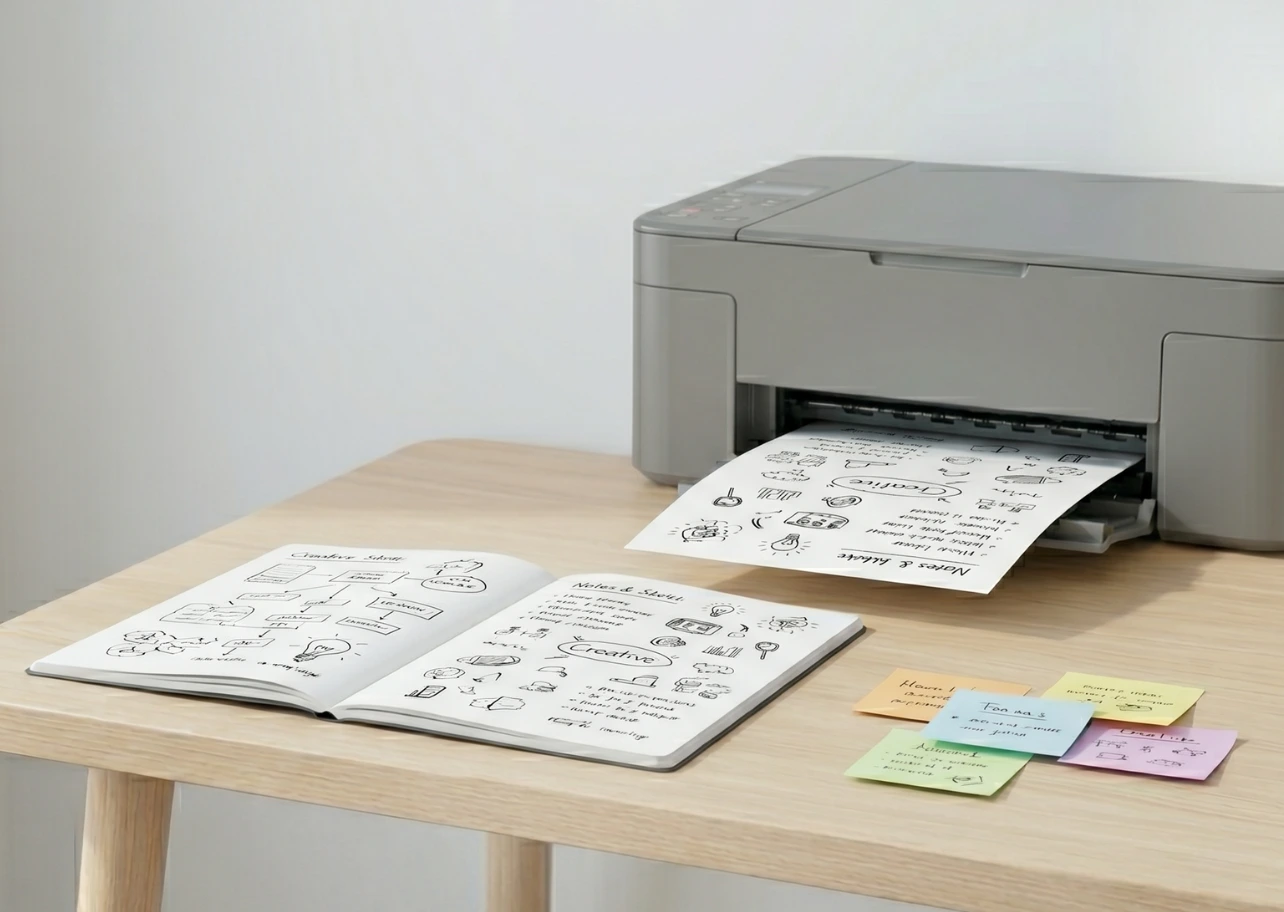
📝Notes & Sketch Printing
Print handwritten notes from Apple Notes, Google Keep, OneNote, and any other notes app. Also supports sketch and drawing exports. Perfect for students printing study notes, teachers printing worksheets, and creatives sharing concepts.
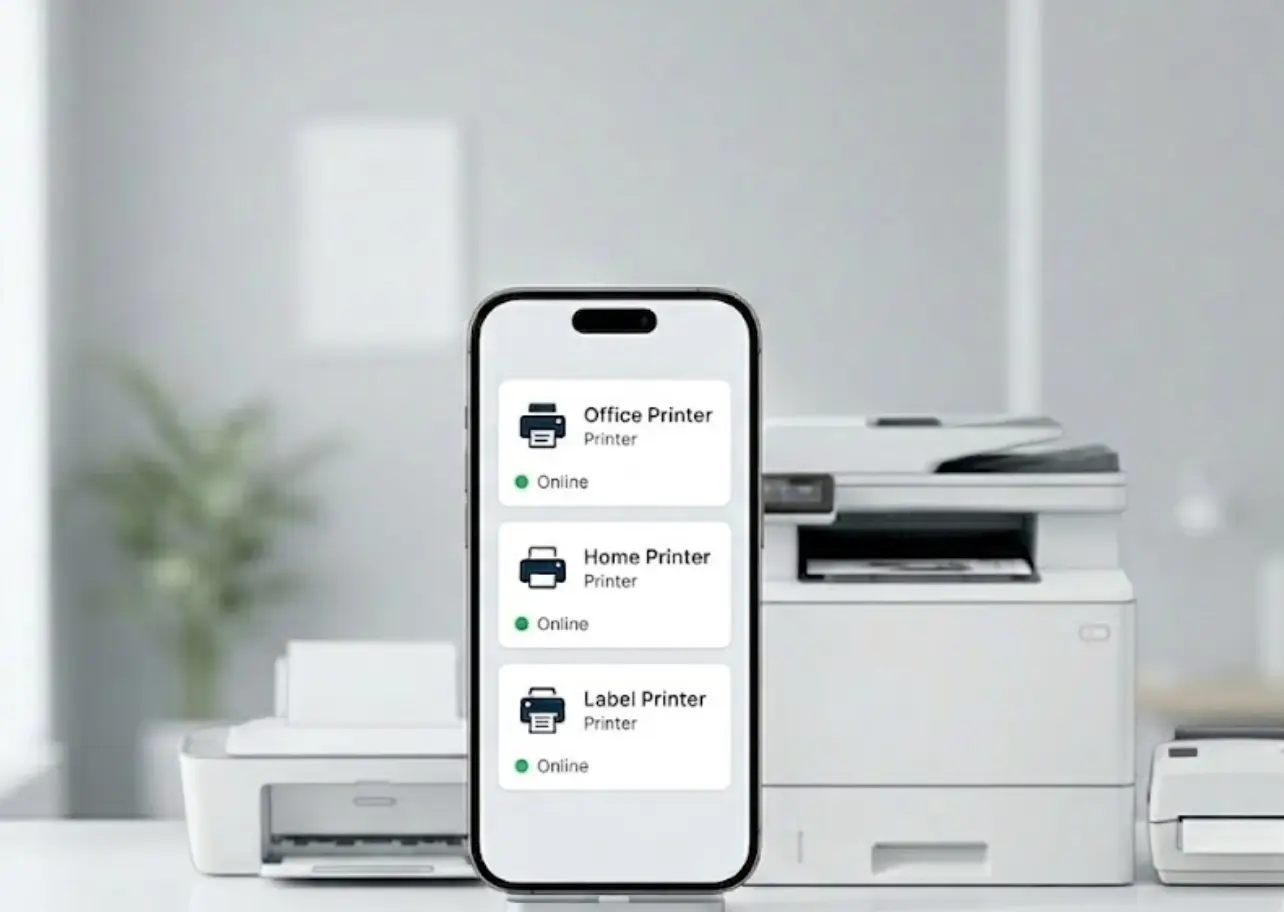
🖨️Multi-Printer Management
Use Smart Printer with multiple printers without reconfiguring each time. The app remembers every printer you've connected to and lets you switch between them in one tap. Manage your home printer, your office printer, and a client-site shared printer all from a single printer app.
Complete Scanning Features
📷AI-Powered Document Scanner
Smart Printer transforms your phone camera into a professional document scanner. The AI engine automatically detects the edges of any document, corrects perspective distortion, removes shadows, and enhances text contrast for a crystal-clear scan every time. This isn't just a basic scan app — it's a full document digitization tool.
⚡Multi-Page Scan to PDF
Scan entire booklets, contracts, reports, and notebooks in a single session. Smart Printer captures one page at a time and compiles everything into a single, organized PDF file automatically. The best free scanner app experience, available on both Android and iOS.
🔍OCR — Text Recognition
Smart Printer's OCR (Optical Character Recognition) engine reads and extracts text from scanned documents, making them fully searchable and selectable. Scan a printed contract and copy text directly. Scan a business card and save it to contacts. Scan a receipt and extract the total.
🤖AI Document Type Detection
Smart Printer identifies what you're scanning — receipt, contract, form, ID card, whiteboard, book page — and automatically applies the optimal settings for that document type. You don't need to touch a setting. The scanning app does all the thinking for you.
📜Print History & Reprint
Every document you print is saved in Smart Printer's print history. Browse past jobs by date, file name, or printer. Reprint any document in one tap. Never lose a job or wonder 'did I print that?'
Printer & Device Compatibility
Supported Printer Brands:
- • HP
- • Canon
- • Epson
- • Brother
- • Samsung
- • Xerox
- • Lexmark
- • Ricoh
- • Kyocera
- • Dymo
- • Zebra
- • Pantum
- • OKI
- • Fujifilm
- • Konica Minolta
- • Sharp
- • Toshiba
- • Dell
Supported Devices:
- ✓iPhone (iOS 14 and above)
- ✓iPad (all models, iOS 14+)
- ✓Android phones (Android 8.0 and above)
- ✓Android tablets
Supported File Types:
- • JPG
- • PNG
- • HEIC
- • DOC
- • DOCX
- • XLS
- • XLSX
- • PPT
- • PPTX
- • TXT
- • HTML
- • Web Pages
No other printer app comes close.
No other printer app comes close to offering this combination of printing power, scanning intelligence, and ease of use — all for free. Smart Printer is the only print and scan app you'll ever need on your phone. Download it free today and experience the future of mobile printing.