The Smart Printing Knowledge Base
Expert guides, step-by-step documentation, and comprehensive comparison sheets from the engineering team behind Smart Printer.
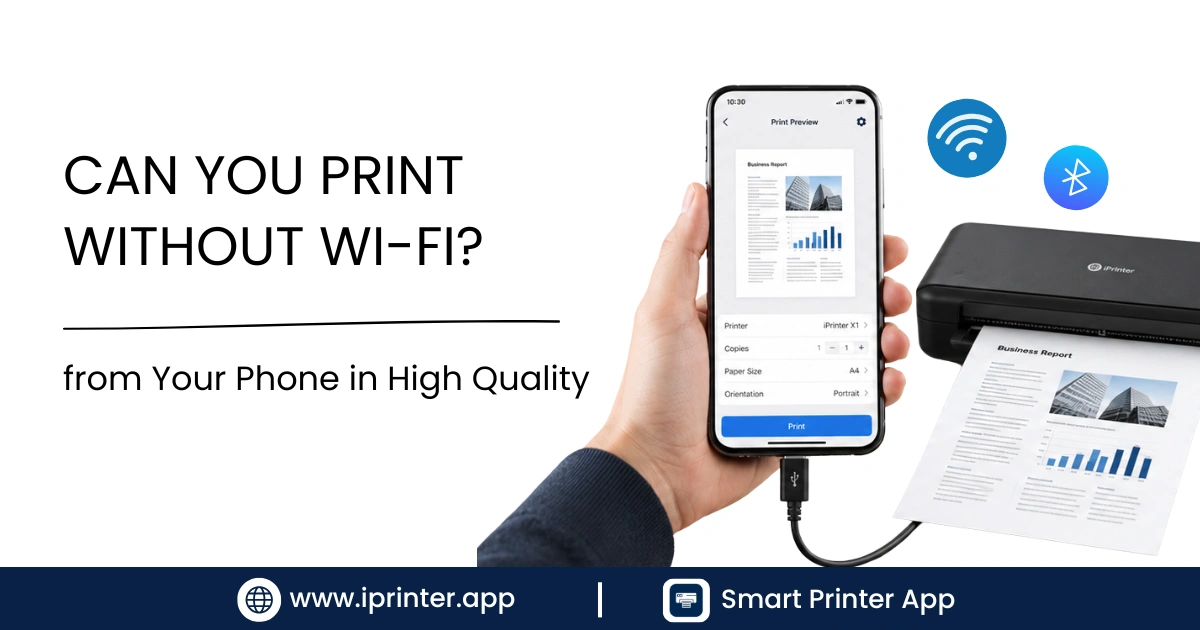
Can you print without WiFi? Yes — here are 5 real ways to print from your phone without internet, using Wi-Fi Direct, Bluetooth, USB, or a printer hotspot.
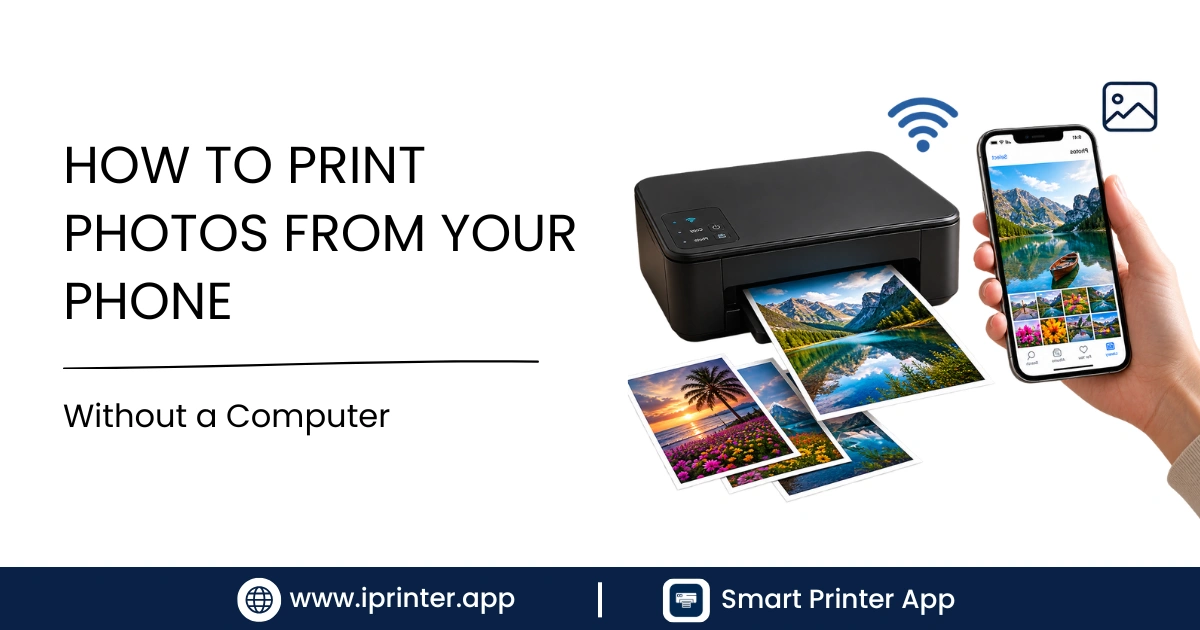
Learn how to print photos from your phone without a computer — iPhone and Android, 4x6 or borderless, with the exact steps for great quality prints.
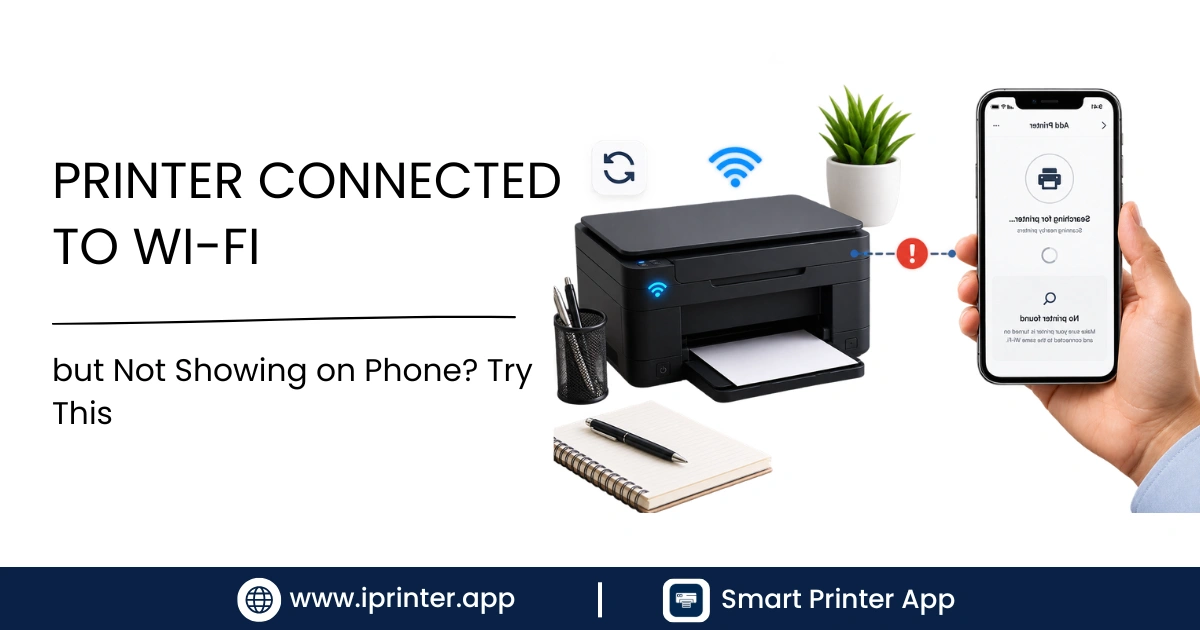
Printer connected to WiFi but not showing on your phone? Learn the exact reasons this happens and 11 step-by-step fixes for Android and iPhone.
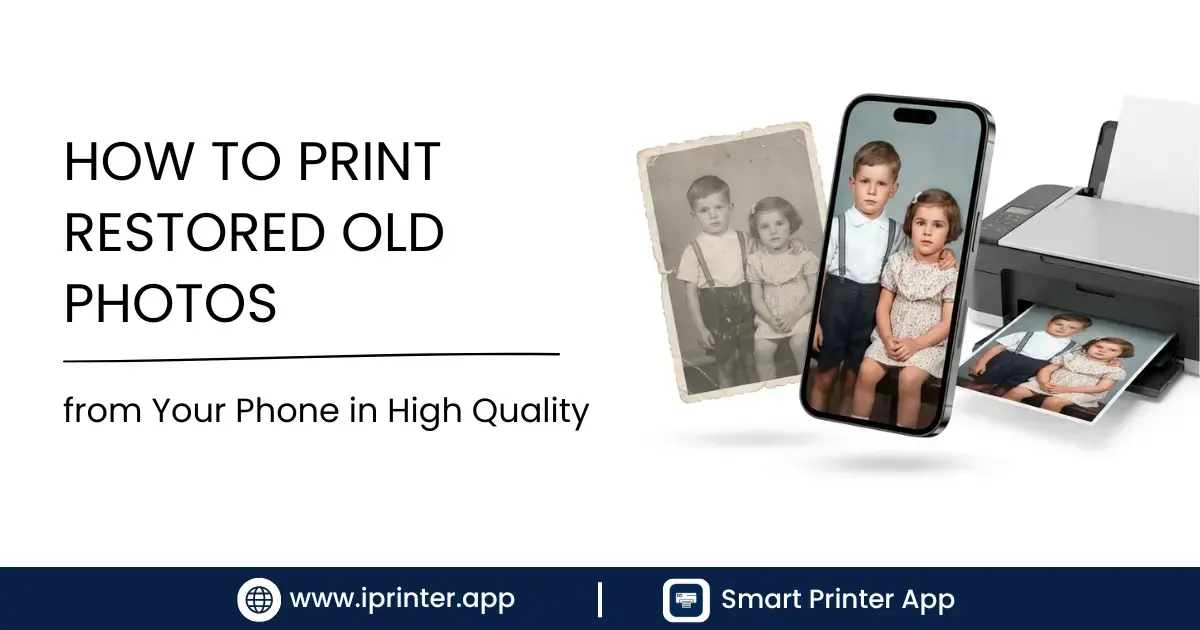
Learn how to print restored old family photos from your phone in stunning high quality. Best apps, DPI settings, paper types, and step-by-step printing guide.
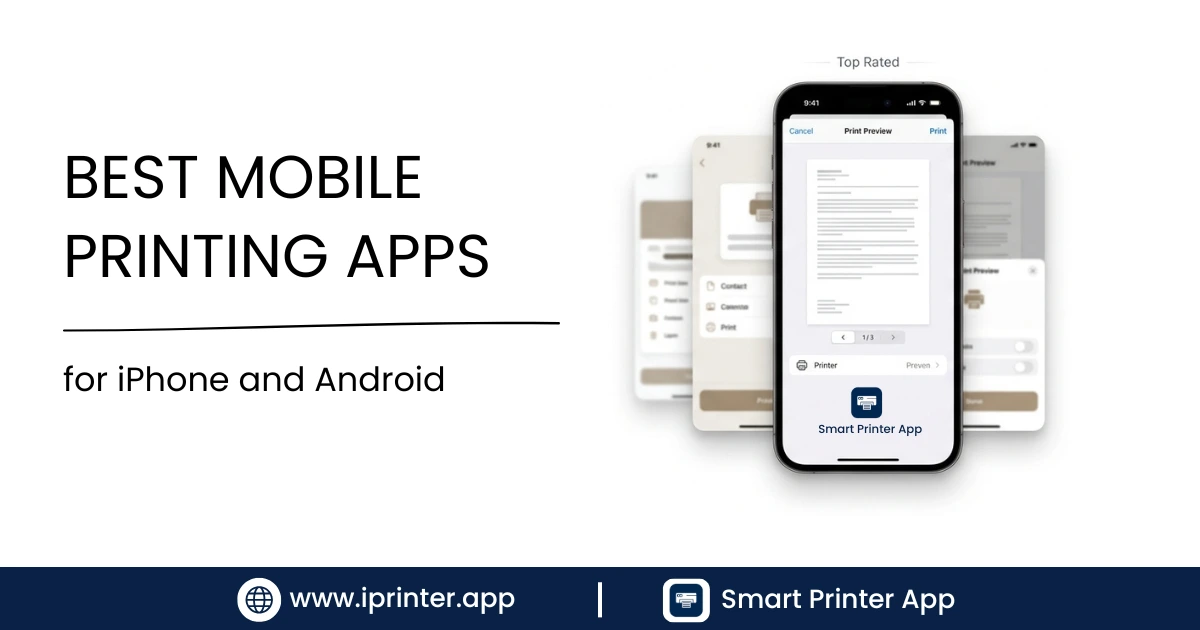
Compare the best mobile printing apps for iPhone and Android and find the right solution for your printing needs.
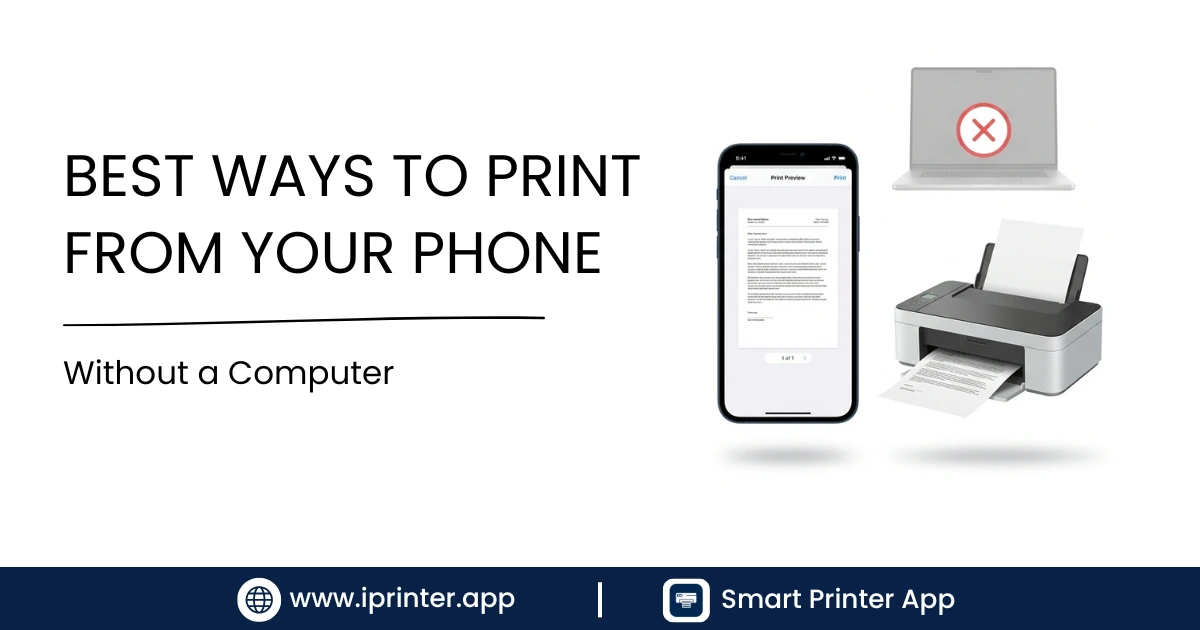
Learn how to print files directly from your smartphone without using a laptop or desktop.
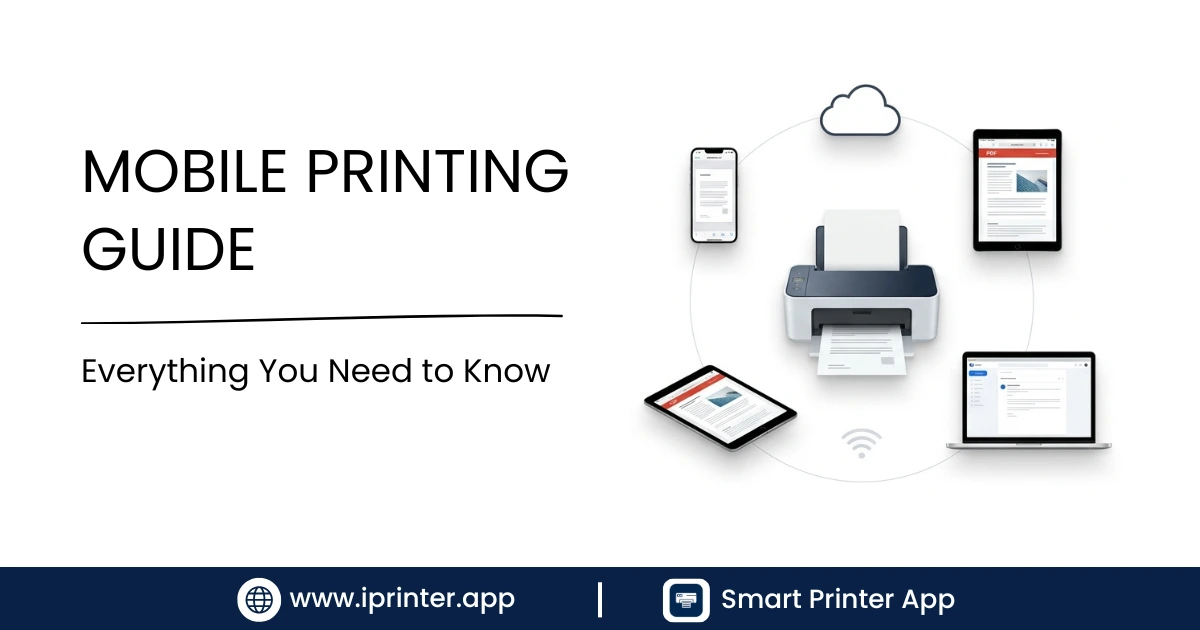
A complete guide to mobile printing, including WiFi, Bluetooth, USB, and cloud printing.
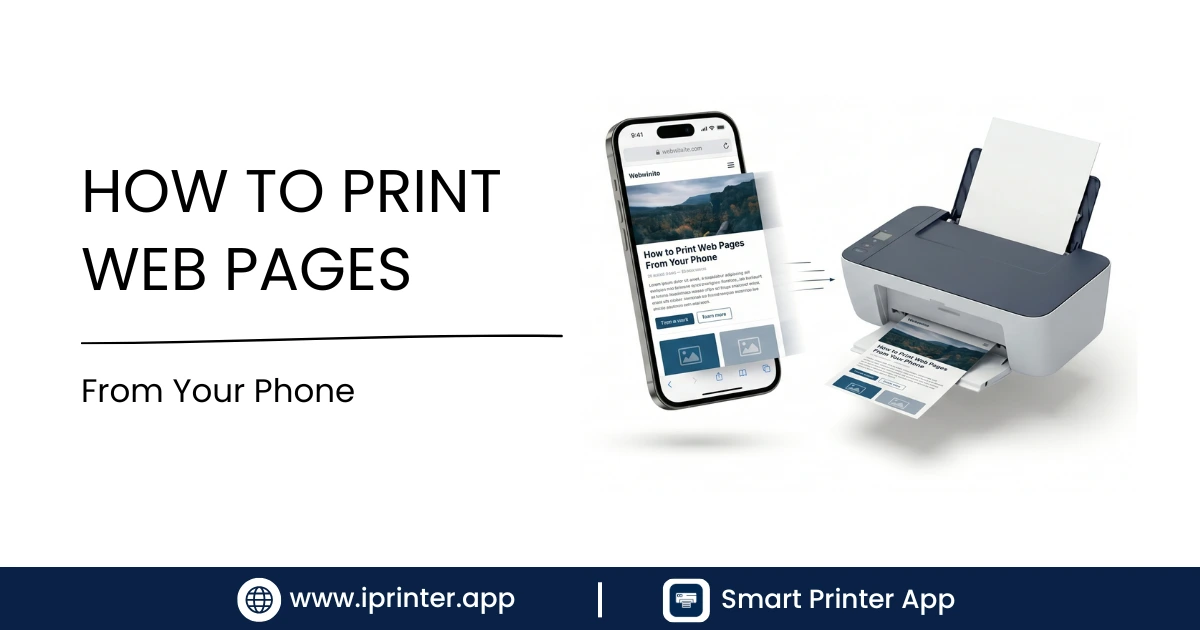
Learn how to print web pages directly from Safari, Chrome, and other mobile browsers.
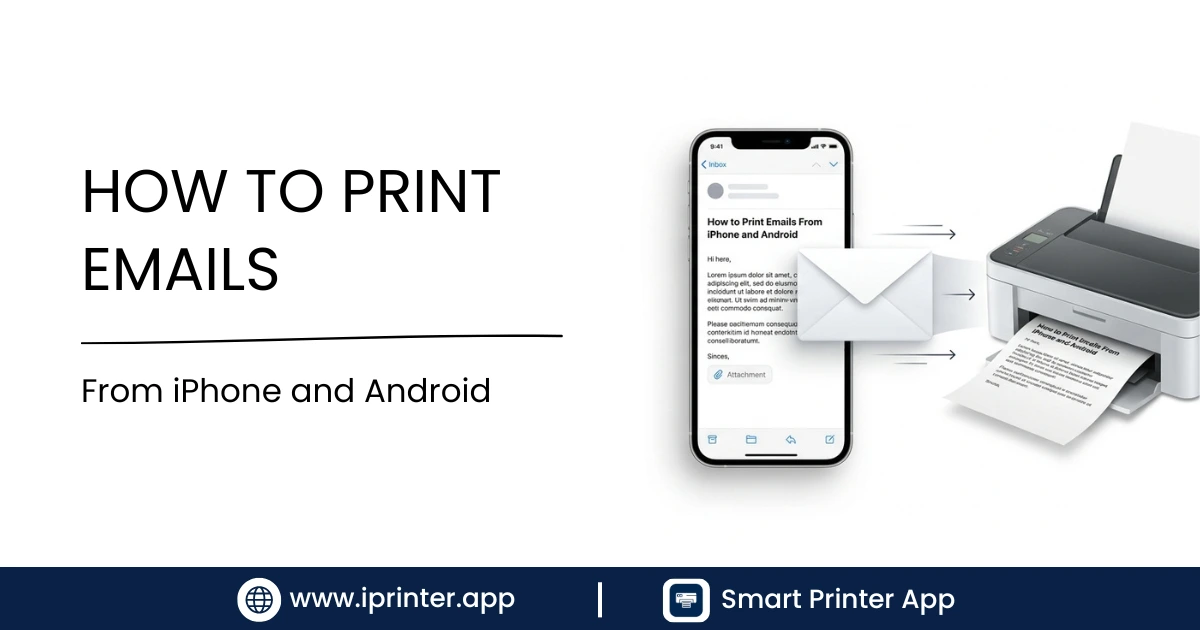
Discover how to print emails and email attachments directly from your smartphone.
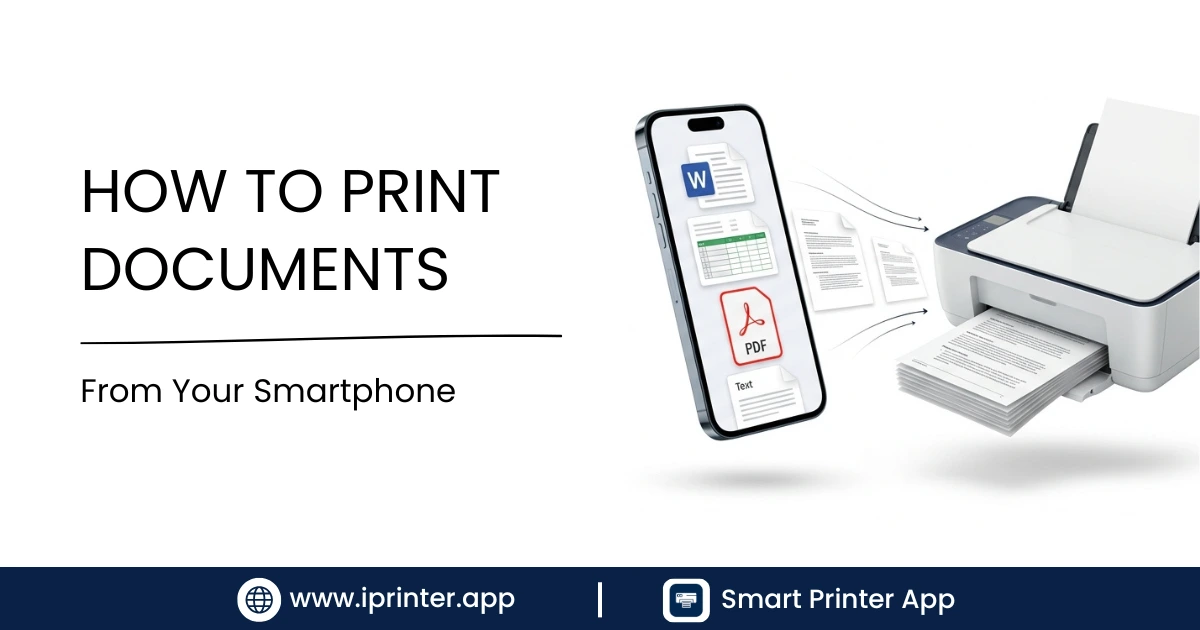
Print Word documents, PDFs, Excel files, and presentations directly from your smartphone.
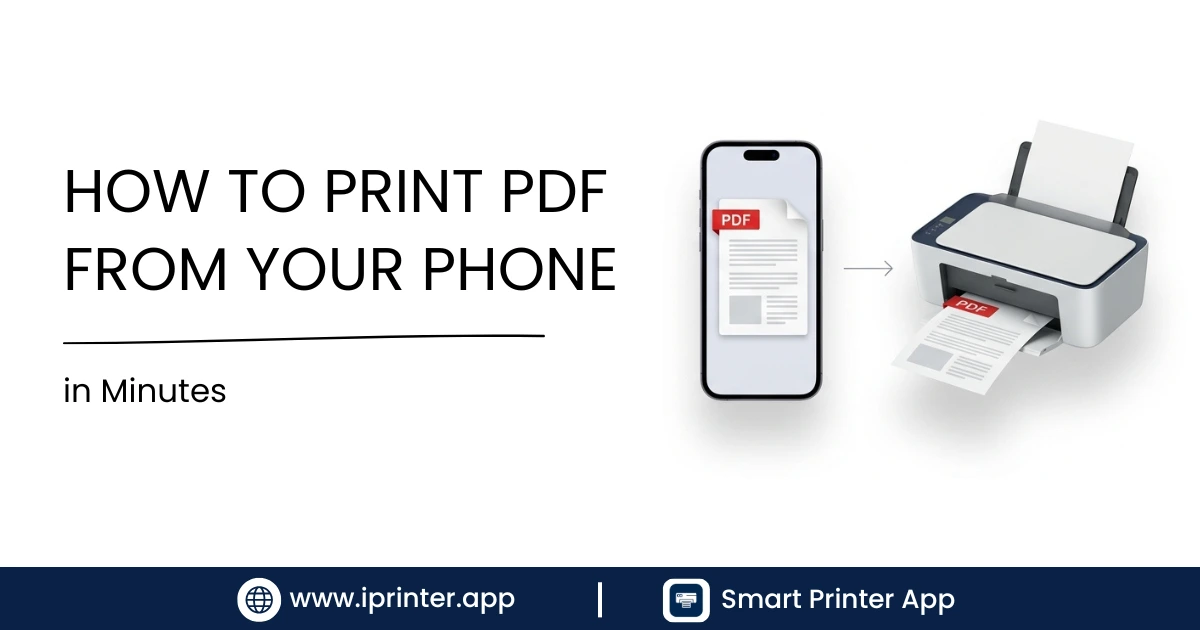
Learn how to print PDF files directly from your iPhone or Android phone using wireless and network printers.
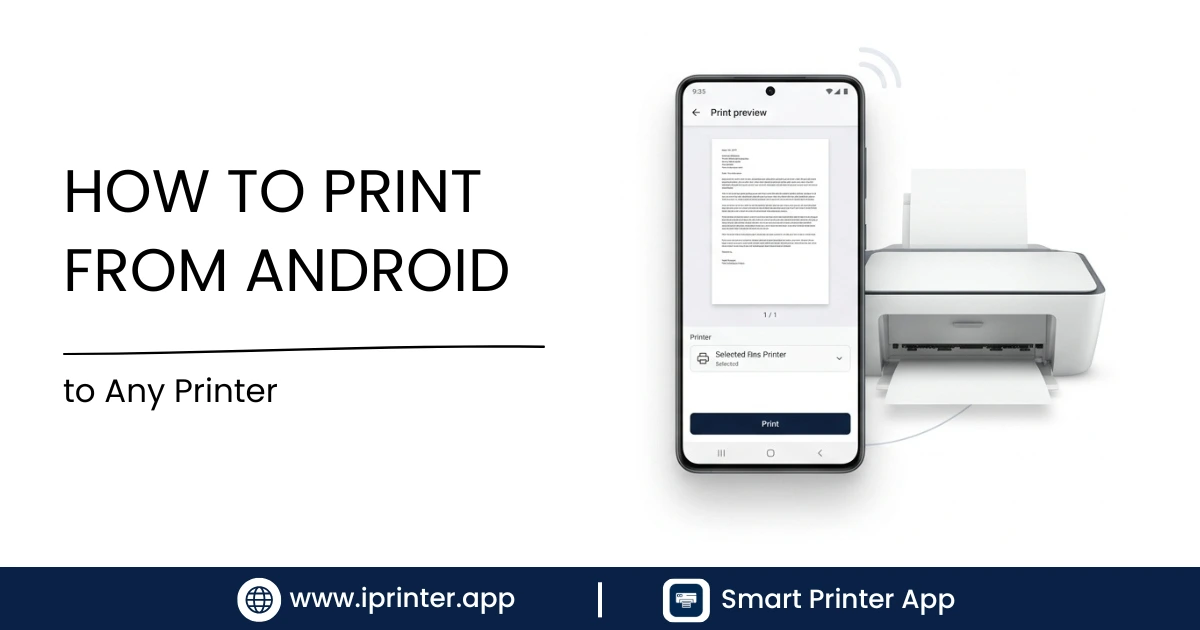
Step-by-step guide to printing documents, photos, PDFs, and emails from Android devices using any printer.
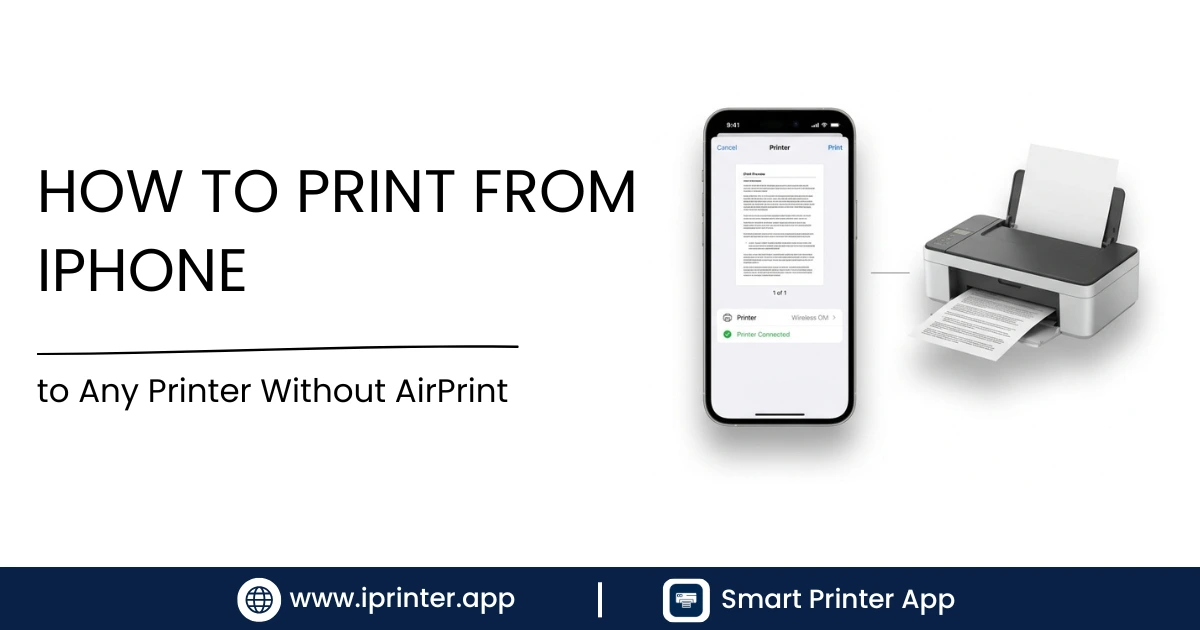
Learn how to print from an iPhone to wireless, Bluetooth, USB, and network printers—even without AirPrint support.
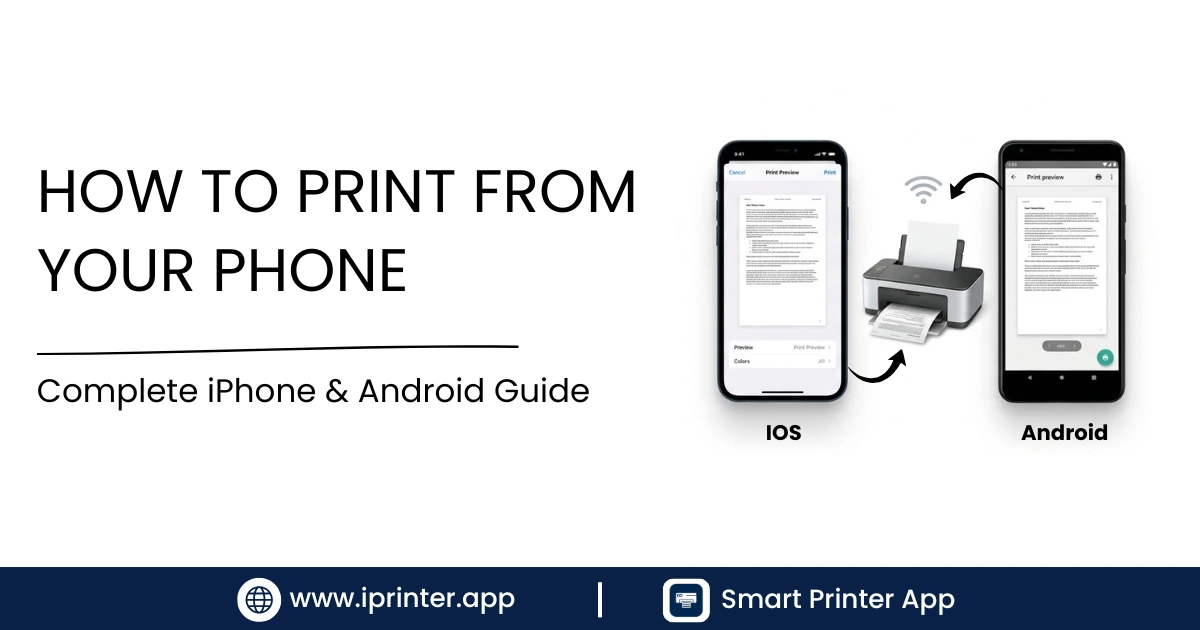
Learn how to print documents, PDFs, photos, emails, and web pages directly from your phone using WiFi, Bluetooth, USB, or network printers.
Comparing the best printer apps for Android and iPhone. Smart Printer vs HP Smart vs Epson iPrint vs Canon PRINT. Find out which free printer app works with your printer.
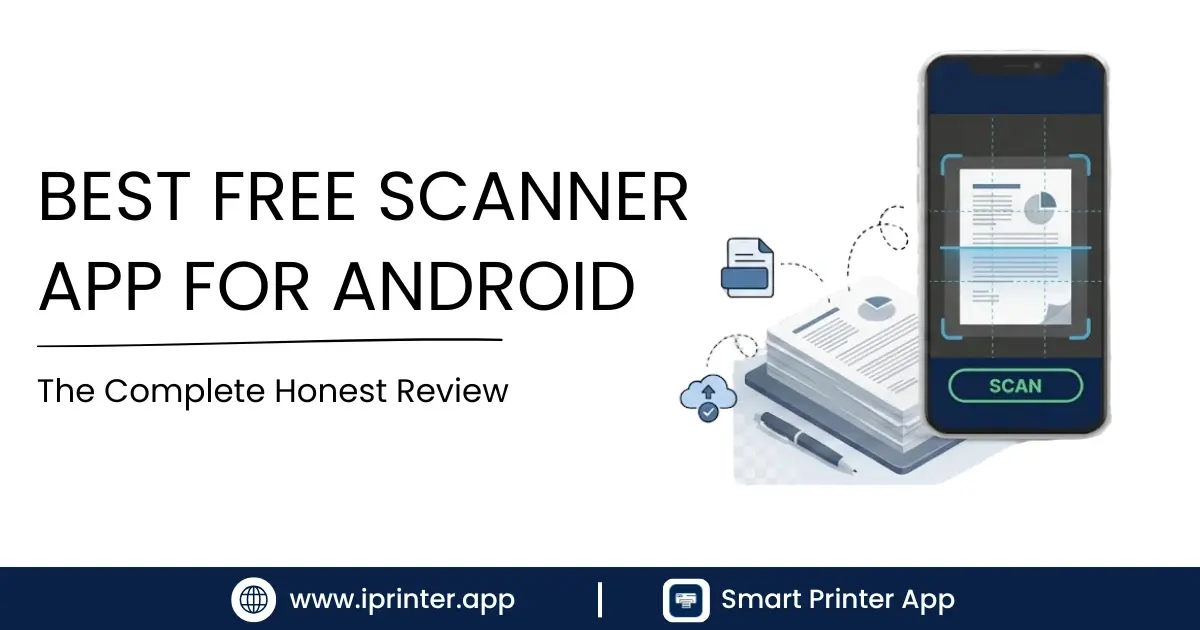
Looking for the best free scanner app for Android? Smart Printer's built-in scanner uses AI edge detection, OCR, and multi-page PDF creation. Free on Android and iPhone. No account needed.