Introduction
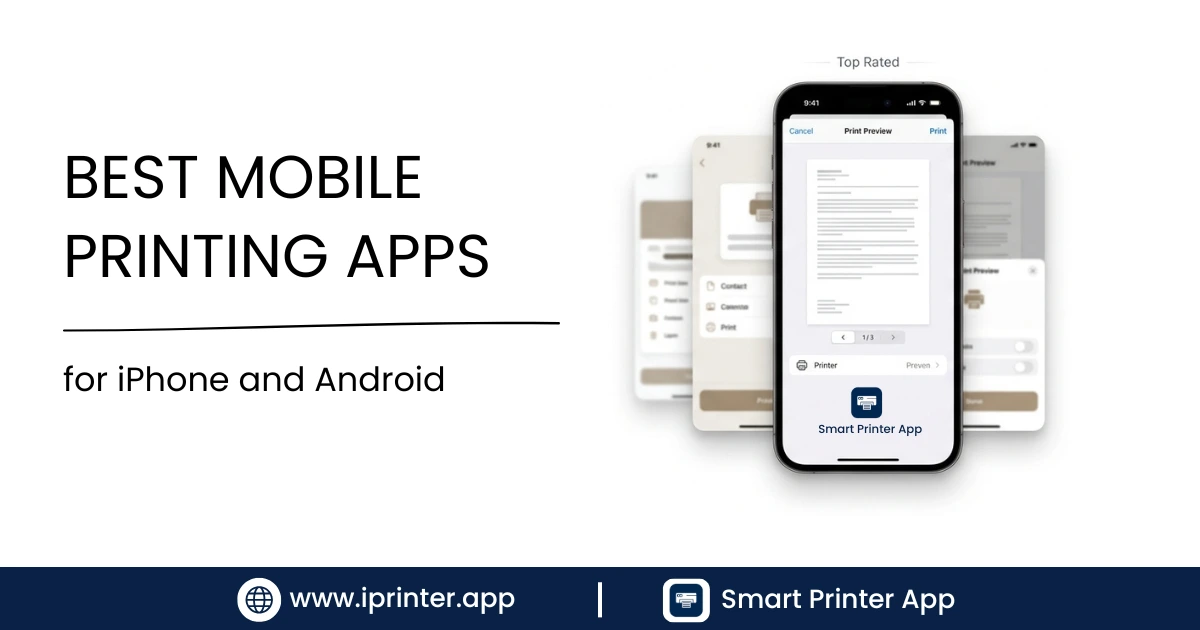
There's no shortage of printer apps for iPhone and Android — but most are locked to a single brand, cluttered with upsells, or just unreliable when your printer isn't on the approved list. This guide cuts through the noise.
We've evaluated the top mobile printing apps based on printer compatibility, supported file formats, connection methods, ease of use, and value — so you can pick the right one without guesswork.
What to Look for in a Mobile Printing App
Before choosing an app, consider these key criteria:
- Printer compatibility: Does it work with your specific printer, or just a brand?
- Connection types: Does it support WiFi only, or also Bluetooth and USB?
- File format support: Can it print PDFs, Word docs, photos, emails, and web pages?
- Platform: Is it available for both iPhone and Android?
- Ease of use: Is setup straightforward, or does it require technical configuration?
- Cost: Is the core functionality free, or paywalled?
With those factors in mind, here are the top apps ranked by overall usefulness for the widest range of users.
🏆 Editor's Top Pick1. iPrinter — Best Overall
Best overall mobile printing app — universal compatibility, all connection types
Platforms: iOS & Android | Price: Free (core features)
iPrinter is built around one idea: work with any printer, not just a brand family. Where manufacturer apps require you to own a specific brand, iPrinter connects to thousands of models from HP, Canon, Epson, Brother, Lexmark, Samsung, and many others — over WiFi, Bluetooth, USB, or LAN networks.
It handles the full range of content types you'd want to print from a phone: PDFs, Word documents, Excel spreadsheets, photos, emails, and web pages. The share sheet integration on both iOS and Android means you can print from any app in seconds by tapping Share › iPrinter.
✅ Pros
- Works with thousands of printer models
- WiFi, Bluetooth, and USB support
- Prints PDFs, documents, photos, emails, web pages
- iOS & Android
- Integrates with iOS Share Sheet & Android Share menu
- Clean, fast interface
❌ Cons
- Advanced features require in-app purchase
- Not optimized for brand-specific cloud features (e.g., HP Instant Ink)
Best for: Anyone who wants a single app that works with any printer and any file type. Especially useful if you own a non-HP/Canon/Epson printer or print from multiple locations.
2nd Place2. HP Smart
Best app for HP printer owners
Platforms: iOS & Android | Price: Free
HP Smart is a polished, well-maintained app that gives HP printer owners deep integration with their hardware. You can print, scan, set up cartridge subscriptions via HP Instant Ink, and monitor ink levels — all from your phone. The interface is clean and the setup process is quick for HP printers.
✅ Pros
- Excellent for HP printer owners
- Scan-to-phone functionality
- HP Instant Ink integration
- Ink level monitoring
- Good iOS and Android apps
❌ Cons
- Only works with HP printers
- No Bluetooth printing
- Limited document format support vs. iPrinter
Best for: HP printer owners who want deep hardware integration and don't need to print to other brands.
3rd Place3. Epson iPrint
Best app for Epson printer owners
Platforms: iOS & Android | Price: Free
Epson iPrint is Epson's official mobile app and it covers the basics well: printing photos, documents, and PDFs from your phone to any WiFi-connected Epson printer. It also includes a built-in scanner and support for Epson Connect cloud printing.
✅ Pros
- Optimized for Epson hardware
- Scan-to-phone support
- Epson Connect cloud features
- Free, no subscription required
❌ Cons
- Epson printers only
- No USB or Bluetooth printing
- Interface feels dated compared to competitors
Best for: Epson printer owners, especially those printing photos who want color accuracy features.
4th Place4. Canon PRINT Inkjet/SELPHY
Best app for Canon printer owners
Platforms: iOS & Android | Price: Free
Canon's official printing app works with its PIXMA, MAXIFY, and SELPHY printer ranges. It offers strong photo printing features, particularly for SELPHY compact photo printers, and handles standard document and PDF printing reliably over WiFi.
✅ Pros
- Strong photo printing features
- SELPHY portable printer support
- Canon Cloud Link integration
- Good print quality controls
❌ Cons
- Canon printers only
- Separate app needed for some Canon models
- No Bluetooth or USB printing
Best for: Canon printer owners, especially those using SELPHY portable printers or printing photos.
5th Place5. Brother iPrint&Scan
Best app for Brother printer owners
Platforms: iOS & Android | Price: Free
Brother's iPrint&Scan app is reliable and straightforward for Brother printer owners. It supports printing from cloud services like Google Drive and Dropbox, and includes scan-to-email functionality. It's particularly popular in small business environments where Brother laser printers are common.
✅ Pros
- Google Drive & Dropbox integration
- Scan-to-email support
- Strong for business document printing
- Free
❌ Cons
- Brother printers only
- Interface less polished than HP Smart
- No USB printing support
Best for: Brother laser printer owners in small business or home office settings.
Full Feature Comparison Table
| Feature | iPrinter | HP Smart | Epson iPrint | Canon PRINT | Brother |
|---|---|---|---|---|---|
| Works with any brand | ✅ | ❌ | ❌ | ❌ | ❌ |
| WiFi printing | ✅ | ✅ | ✅ | ✅ | ✅ |
| Bluetooth printing | ✅ | ❌ | ❌ | ❌ | ❌ |
| USB printing | ✅ | ❌ | ❌ | ❌ | ❌ |
| PDF printing | ✅ | ✅ | ✅ | ✅ | ✅ |
| Word/Excel printing | ✅ | ⚠️ Limited | ⚠️ Limited | ⚠️ Limited | ✅ |
| Email printing | ✅ | ❌ | ❌ | ❌ | ❌ |
| Web page printing | ✅ | ❌ | ❌ | ❌ | ❌ |
| iOS & Android | ✅ | ✅ | ✅ | ✅ | ✅ |
| Free to use | ✅ Core | ✅ | ✅ | ✅ | ✅ |
Which App Is Right for You?
- You own an HP printer and only print to HP: HP Smart is well-built and integrates cleanly with HP's ecosystem.
- You own an Epson printer and print a lot of photos: Epson iPrint's color controls are optimized for Epson hardware.
- You own a Canon or Brother printer: Their respective apps are reliable for standard document printing.
- You want to print to any printer, including non-branded or older models: iPrinter is the only app that works universally.
- You need Bluetooth or USB printing: Only iPrinter supports these connection types on mobile.
- You want to print emails, web pages, and documents in one app: Only iPrinter handles all content types natively.
- You regularly switch between multiple printer brands: iPrinter is built for this — no switching apps.
💡 Real-world scenario: If you work from home with an Epson printer but occasionally print at a client's office with a Canon or Brother — or at a hotel with an HP — you'd need three separate apps. With iPrinter, you use one app everywhere. For more on connection flexibility, see our complete mobile printing guide.
Conclusion
For most users, iPrinter is the best mobile printing app because it removes the biggest frustration with mobile printing: incompatibility. You don't need to know your printer's brand, check if it's on a "supported" list, or install multiple apps. Just open iPrinter, connect, and print.
If you're brand-locked — meaning you own an HP and only ever print to that HP — then HP Smart is an excellent free choice with great hardware integration. Same logic applies to the Epson, Canon, and Brother apps for their respective ecosystems.
For everything else — older printers, office printers, mixed environments, Bluetooth or USB printing, or printing emails and web pages — iPrinter is the clear winner.
Ready to set up mobile printing? Start with our complete guide to printing from your phone — it covers every method, every file type, and every device combination.
Frequently Asked Questions
Frequently Asked Questions
Yes — iPrinter is designed to work across brands. Manufacturer apps (HP Smart, Epson iPrint, etc.) only work with their own printers. For a brand-agnostic solution, iPrinter is the most comprehensive choice.
Not necessarily — AirPrint handles basic printing on AirPrint-compatible printers without an app. But if you want Bluetooth printing, USB printing, email printing, or compatibility with non-AirPrint printers, an app like iPrinter adds those capabilities. See our comparison of AirPrint vs iPrinter.
Yes. Android's built-in Mopria Print Service supports many HP printers natively. Alternatively,iPrinter connects to HP printers over WiFi without needing the HP-specific app.
All apps on this list handle PDFs. For printing PDFs to any printer, iPrinter is the most flexible option. For step-by-step PDF printing guidance, see our guide on printing PDFs from your phone.
Yes — all apps on this list have free tiers. iPrinter's core printing features are free; advanced features like network printing and format conversion may require an in-app purchase. Manufacturer apps from HP, Epson, Canon, and Brother are entirely free.
One App. Any Printer. Any File.
Download iPrinter and connect to almost any printer using WiFi, Bluetooth, USB, or network connections — from your iPhone or Android.